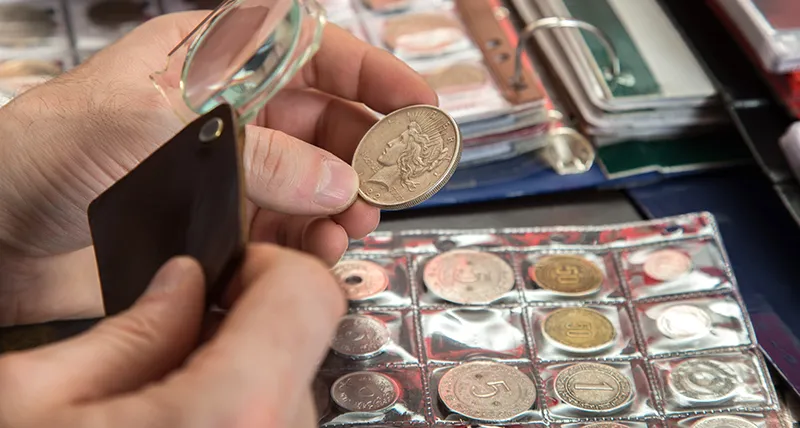
Learn how to catalog a coin collection the right way — what data to record for each coin, how to organize your collection, and why cloud-based software beats spreadsheets for serious collectors.
The best way to catalog a coin collection is with dedicated coin collecting software that connects directly to grading services like PCGS and NGC. Enter your certification number and the software automatically fills in the coin's details, grade, and images — eliminating manual data entry and reducing errors. For collectors who aren't ready for software, a detailed spreadsheet is a solid second option.
Whether you have 50 coins or 5,000, a well-organized catalog protects your investment, simplifies insurance claims, makes selling easier, and turns a pile of coins into a collection you can actually enjoy and track over time. This guide walks you through exactly how to do it.
Most collectors start out keeping coins in folders, albums, or boxes with a rough mental inventory of what they have. That works when you're getting started — but it breaks down fast.
Without a catalog, you don't know what your collection is worth at any given moment. You can't quickly tell a buyer or insurance company what you own. You risk buying duplicates at coin shows. And when it comes time to sell, you have no documentation to justify your asking price.
A catalog solves all of this. It's not just organization — it's the difference between a hobby and a real asset you can manage.
Before you pick a method, know what data you're capturing. For each coin, you should record:
The more complete your records, the more useful your catalog becomes — especially if you ever need to file an insurance claim or prove provenance for a high-value coin.
There are three realistic options for cataloging a coin collection, each with different trade-offs.
Old school, and still used by some collectors. You write everything down by hand in a ledger or binder, sometimes supplemented with coin flips labeled with details.
The upside: no technology required, completely offline, satisfying for some collectors.
The downside: can't search it, can't sort it, no photos, no automatic value updates, and if it gets lost or damaged, your records are gone. Not recommended for anything beyond a very small casual collection.
A step up from paper. You can search, sort, and back it up to the cloud. Many collectors start here and it works reasonably well for smaller collections.
The limitations become clear quickly: you have to enter every field manually, there's no integration with PCGS or NGC so you're looking up grades and images separately, there's no built-in valuation tool, and sharing or showing your collection to buyers is awkward. For collections over a few hundred coins, spreadsheets become a real time drain.
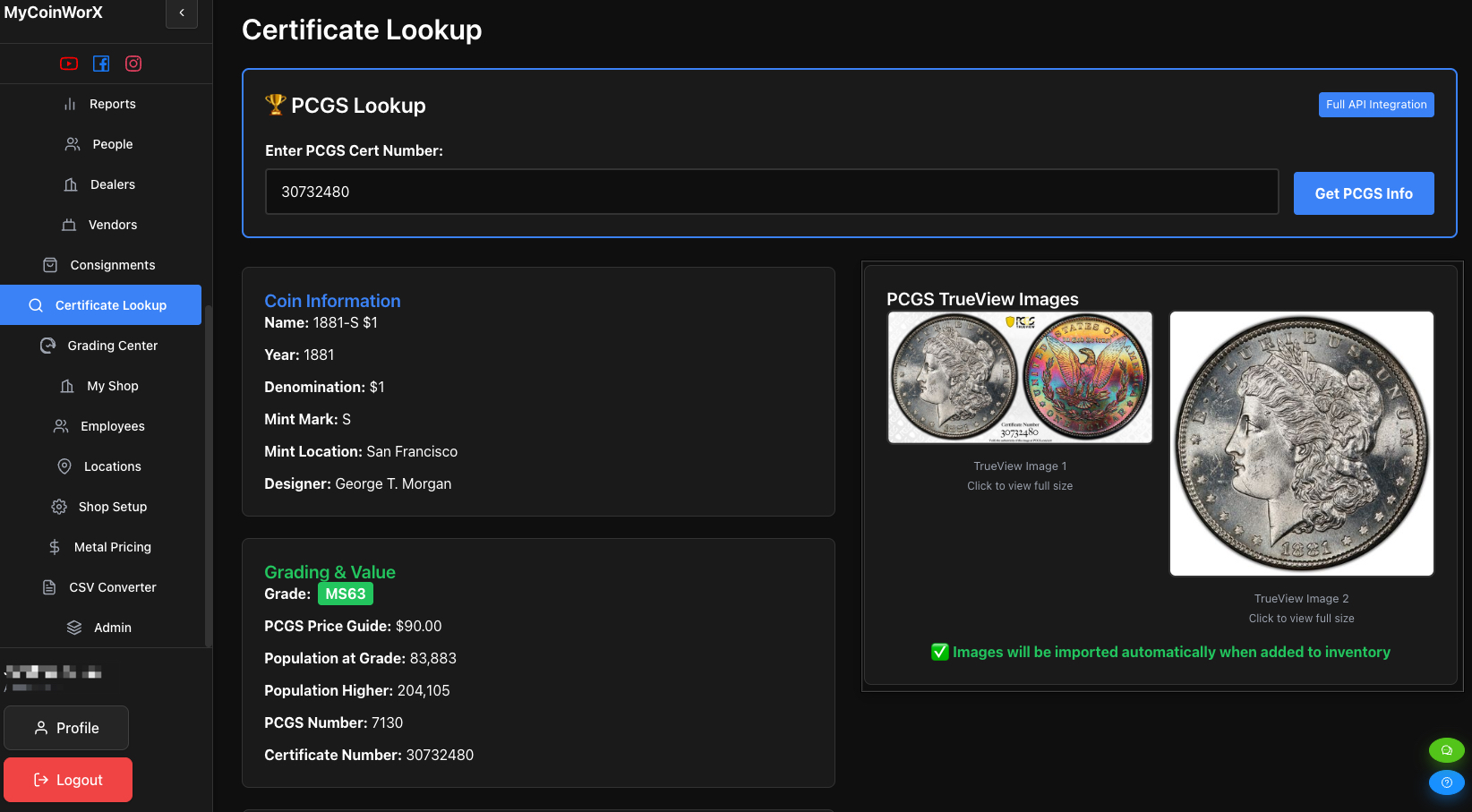
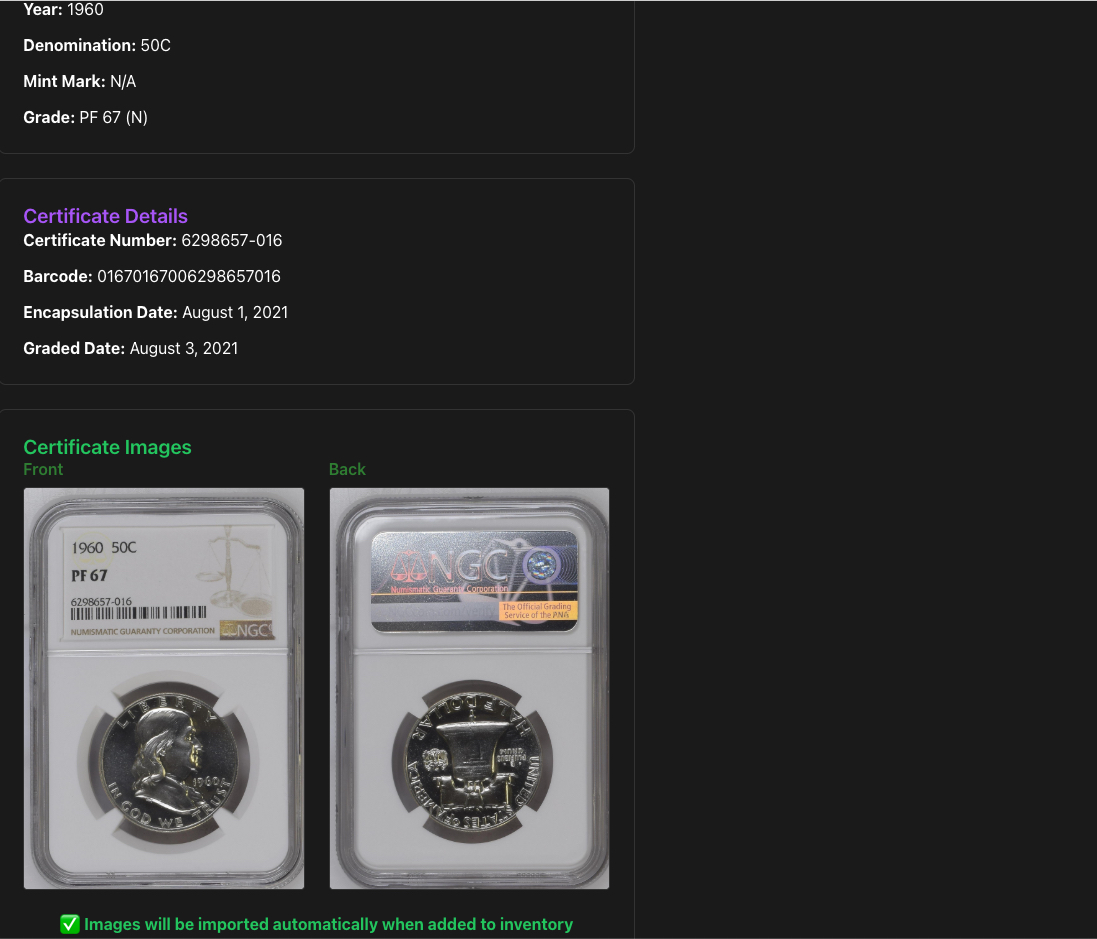
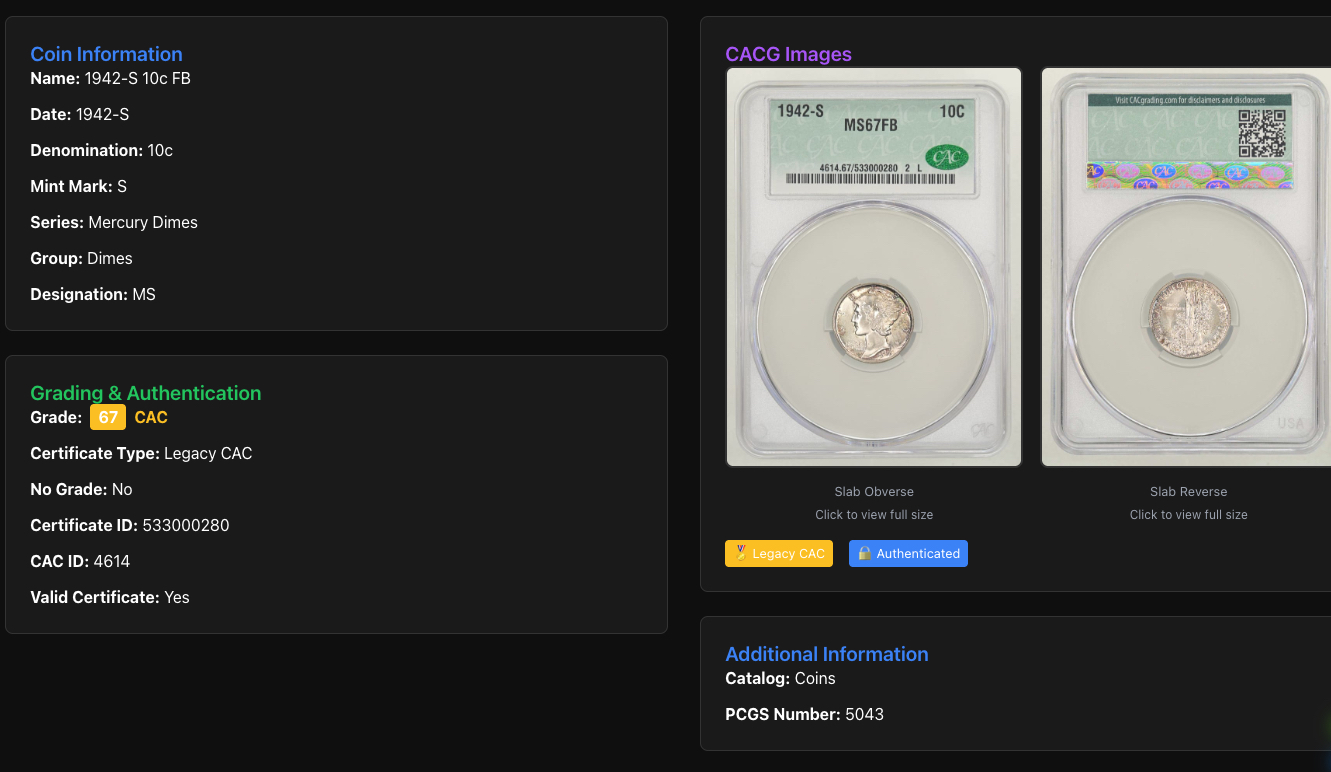
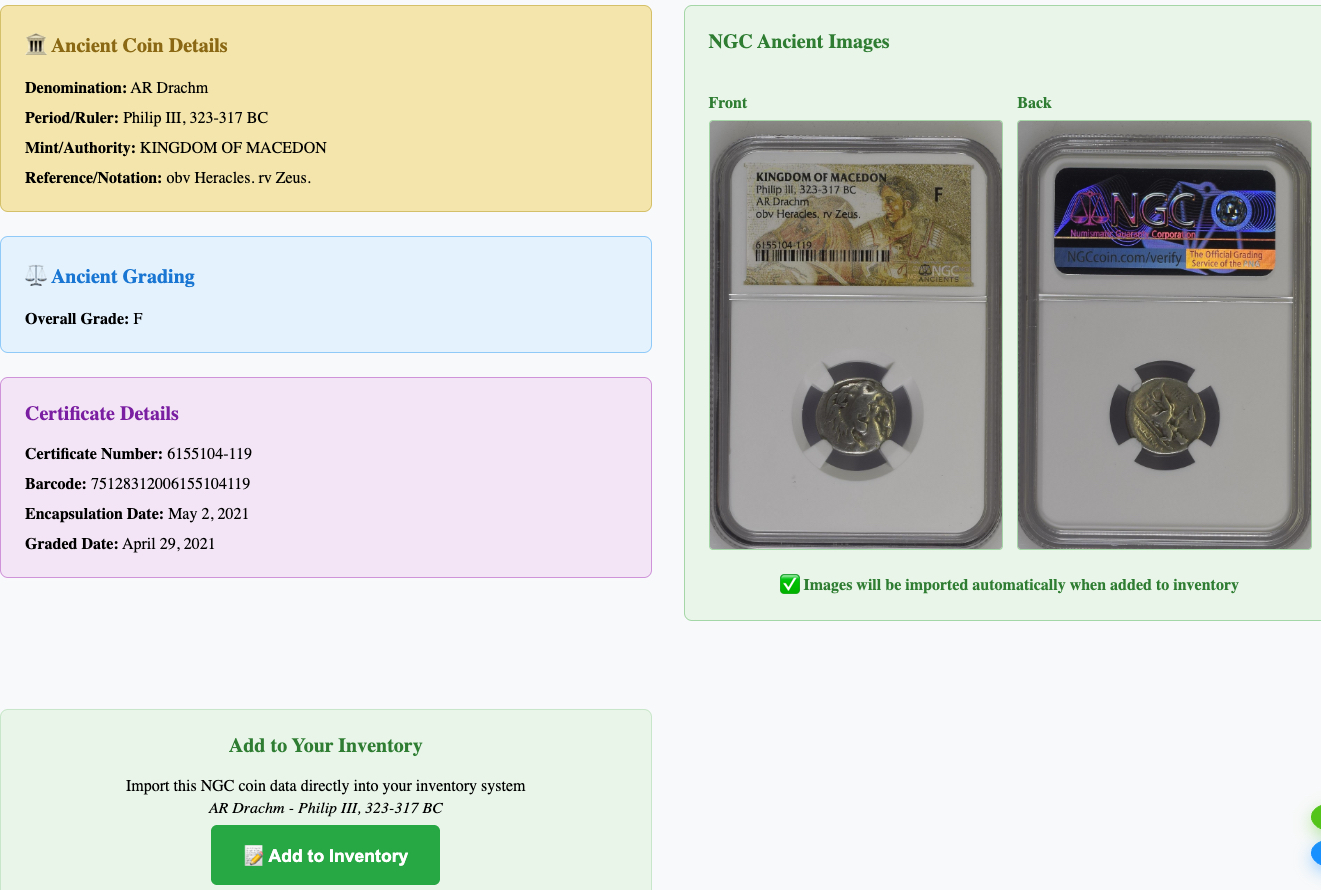
Purpose-built coin collecting software solves the problems that paper and spreadsheets can't. The best options connect directly to PCGS, NGC, and other grading services — enter a certification number and the coin's details, grade, and TrueView images populate automatically.
MyCoinWorX is free for collectors, works on any device (iPhone, Android, Mac, Windows), and integrates with PCGS, NGC, CACG, and ANACS. Unlike desktop programs that lock your data to one machine, MyCoinWorX keeps your collection in the cloud and accessible from anywhere — including coin shows.
Before you start entering data, spend time physically organizing your coins. It's much easier to catalog in batches than to randomly pull coins from a box.
A sensible approach for U.S. collectors: sort by series or type first — all Morgans together, all Lincoln cents together, all Walking Liberty halves together — then chronologically by date within each series.
If you have graded coins in slabs, group those separately. PCGS-slabbed coins, NGC-slabbed coins, and raw coins will have different workflows when you're entering them.
Don't feel like you need to organize the entire collection perfectly before you start. Pick one series, catalog it completely, then move to the next. Progress is better than perfection.
The number one reason collectors never finish cataloging their collection is time. "I'll get to it" turns into months, then years, while the collection grows and the task gets more daunting. The right tool eliminates this problem entirely.
If you already have a spreadsheet: MyCoinWorX's bulk certificate import can bring your entire existing collection into the system in minutes. A collection of 500 coins that would take days to re-enter manually can be imported in about five minutes. Your spreadsheet needs five columns to work: Grader (PCGS, NGC, CACG, etc.), Cert Number, Purchase Price, Asking Price, and Date Received. Once uploaded, MyCoinWorX automatically pulls in each coin's details, grade, and TrueView images directly from the grading service — no manual data entry required. This is the fastest way to get off a spreadsheet and into a proper catalog without starting from scratch.
If you're starting fresh with graded coins: Use cert number lookup. Enter your PCGS or NGC certification number and MyCoinWorX pulls in the year, denomination, grade, series, and official TrueView image automatically. For a typical graded collection, this takes about 30 seconds per coin.
If you're starting fresh with raw (ungraded) coins: Fill in the fields manually — year, denomination, series, grade estimate, and a photo. It takes a minute or two per coin but only needs to be done once.
For spreadsheet users staying on spreadsheets: Create one row per coin, one column per field. Use consistent terminology throughout (don't mix "MS65" and "Mint State 65") or sorting becomes a mess. Back up regularly.
Photos are the most skipped step and the most regretted omission later.
A photo of each coin — obverse and reverse — does three things: it documents condition at time of acquisition, it helps with insurance valuation, and it gives buyers confidence when you're selling.
For raw coins, a basic lightbox setup or even a phone camera held steady over the coin is enough to get started. For graded coins in PCGS or NGC slabs, the TrueView images that come with certification are already high quality — in MyCoinWorX, these populate automatically from the cert number so you don't need to photograph slabbed coins at all.
A catalog you never update is a catalog you'll stop trusting. Build a habit of entering new acquisitions the same day you get them — it takes 2 minutes per coin and prevents the backlog that makes cataloging feel overwhelming.
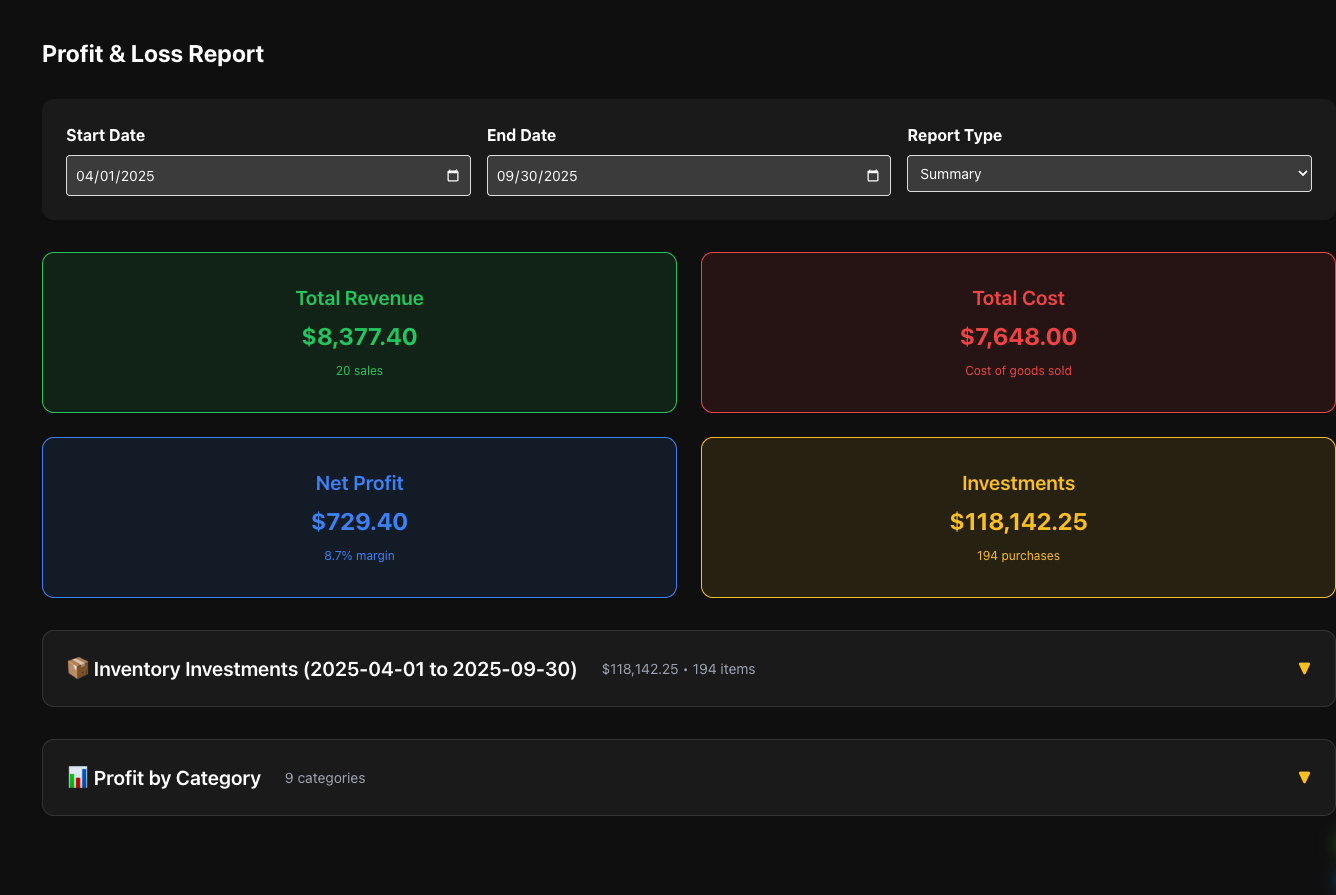
Set a regular schedule — quarterly or annually — to update values. Coin markets move, especially for gold and silver content coins. If your catalog is integrated with a grading service, value updates are much easier since the price guide data is already tied to your cert numbers.
Also: back up your data. If you're using cloud-based software like MyCoinWorX, this happens automatically. If you're on a spreadsheet, save a copy to Google Drive or an external drive at least monthly.
The best way to catalog a coin collection is with cloud-based coin collecting software that integrates directly with PCGS and NGC. Enter your certification number and the software automatically fills in the coin's details, grade, and images — no manual data entry required. MyCoinWorX is free for collectors and works on any device, making it the most practical option for most collectors regardless of collection size.
The best way to organize a U.S. coin collection is by series first — all Morgan Dollars together, all Lincoln Cents together, all Walking Liberty Halves together — then chronologically by date within each series. This aligns with how PCGS and NGC structure their price guides and makes both physical handling and digital cataloging fast and systematic. Once physically organized by series, entering coins into a digital catalog in batches goes quickly.
The best protection when selling a coin collection is documentation. Sellers with a complete catalog — grades, cert numbers, purchase prices, and photos — have a clear record of what they own and what they paid, which prevents low-ball offers based on uncertainty. For graded coins, PCGS and NGC certifications are the industry standard for verifying authenticity and grade. Selling through established channels (major auction houses, reputable dealers, or platforms like MyCoinWorX's integrated marketplace) adds another layer of protection.
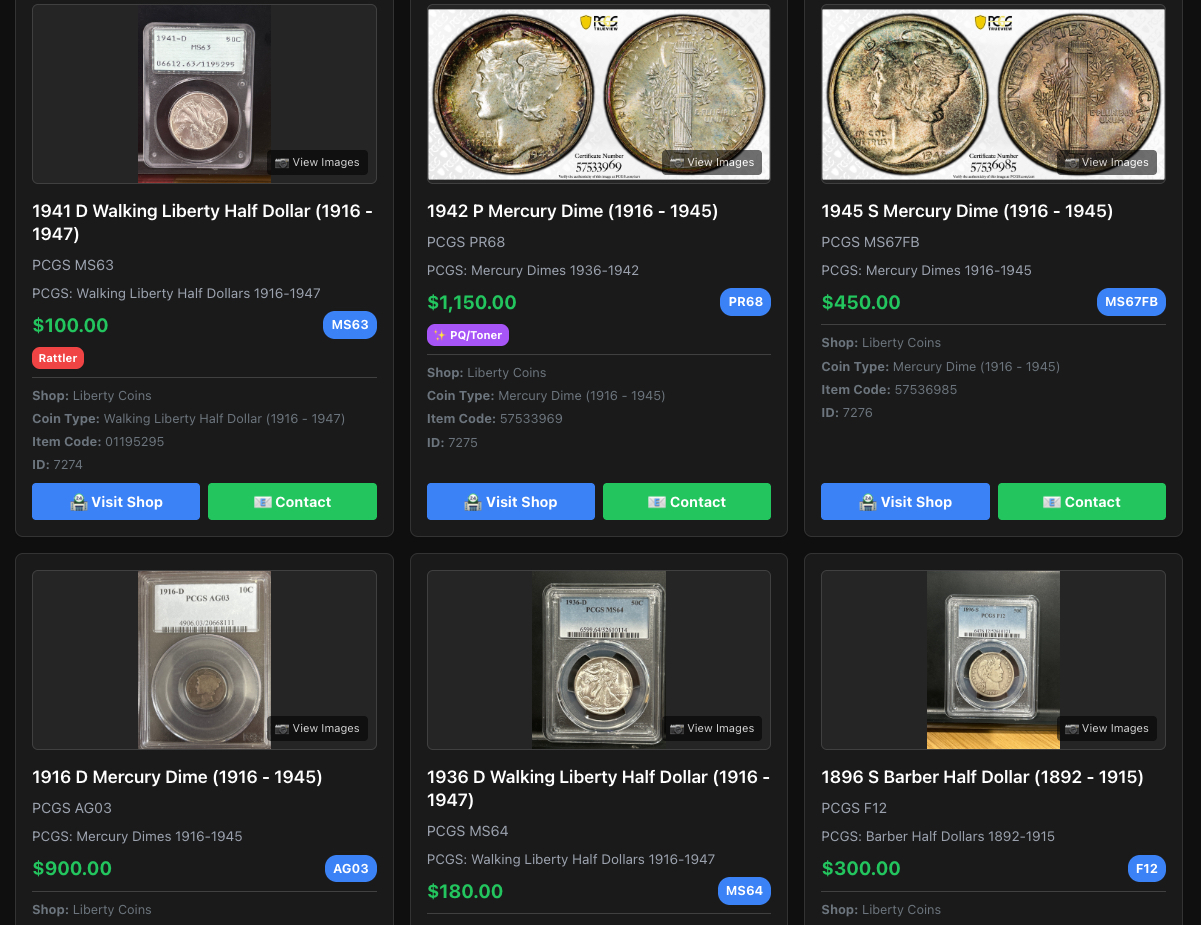
MyCoinWorX makes cataloging faster than any spreadsheet. Import graded coins instantly with cert number lookup, store your collection in the cloud, and access it from any device — at home, at shows, or anywhere you're looking at coins.
It's free for collectors. No credit card required.
Start for Free → Sign Up Today
Looking for a broader overview of coin collecting tools? See our full guide to the best coin collecting software .


© 2026 MyCoinWorx. All rights reserved. | Terms and Conditions Frederick, MD | Built by a Proud Coin Collector | Privacy and TOS
Design and Developed by 11thAgency