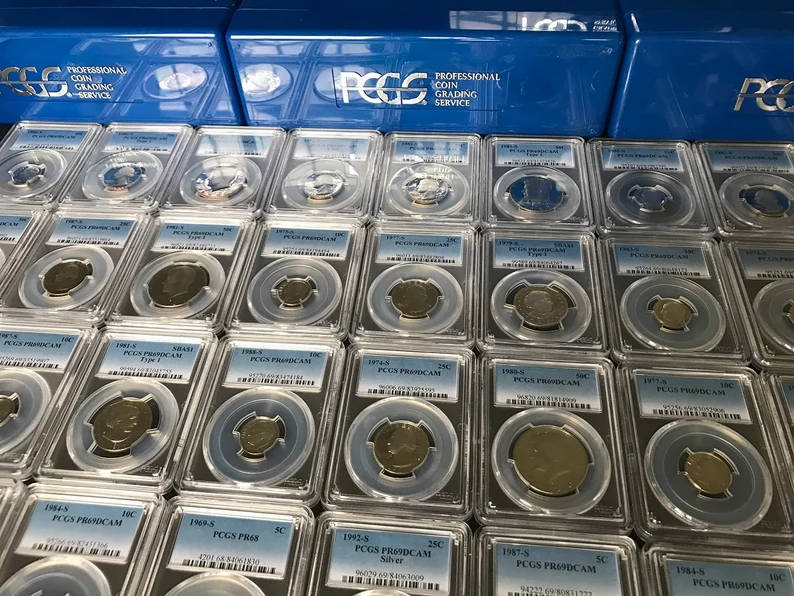
If you run a brick-and-mortar coin shop or a serious solo dealing operation, you already know that inventory is everything. You are constantly buying, selling, sending coins out for grading, taking in consignments, and moving coins between cases, vaults, and shows. Somewhere between the display case and the back office, things get messy.Spreadsheets and legacy desktop software can help up to a point, but they rarely keep up with the pace of a modern coin business. Items go missing, statuses get out of sync, and “phantom inventory” quietly builds up in your system.To solve this, we’ve released the Monthly Inventory Audit System for the MyCoinWorX Shop Plan – a purpose-built tool for professional coin shop inventory management and inventory reconciliation for coin dealers who want accurate books, fewer surprises, and a clear audit trail.
If you run a brick-and-mortar coin shop or a serious solo dealing operation, you already know that inventory is everything. You are constantly buying, selling, sending coins out for grading, taking in consignments, and moving coins between cases, vaults, and shows. Somewhere between the display case and the back office, things get messy.
Spreadsheets and legacy desktop software can help up to a point, but they rarely keep up with the pace of a modern coin business. Items go missing, statuses get out of sync, and “phantom inventory” quietly builds up in your system.
To solve this, we’ve released the Monthly Inventory Audit System for the MyCoinWorX Shop Plan – a purpose-built tool for professional coin shop inventory management and inventory reconciliation for coin dealers who want accurate books, fewer surprises, and a clear audit trail.
Most coin shops already know they should be doing regular inventory audits. The problem is that traditional methods are slow, error-prone, and frustrating.
Common issues we hear from shop owners:
Missing itemsCoins show as “on hand” in your coin shop inventory software, but you can’t find them anywhere in the shop.
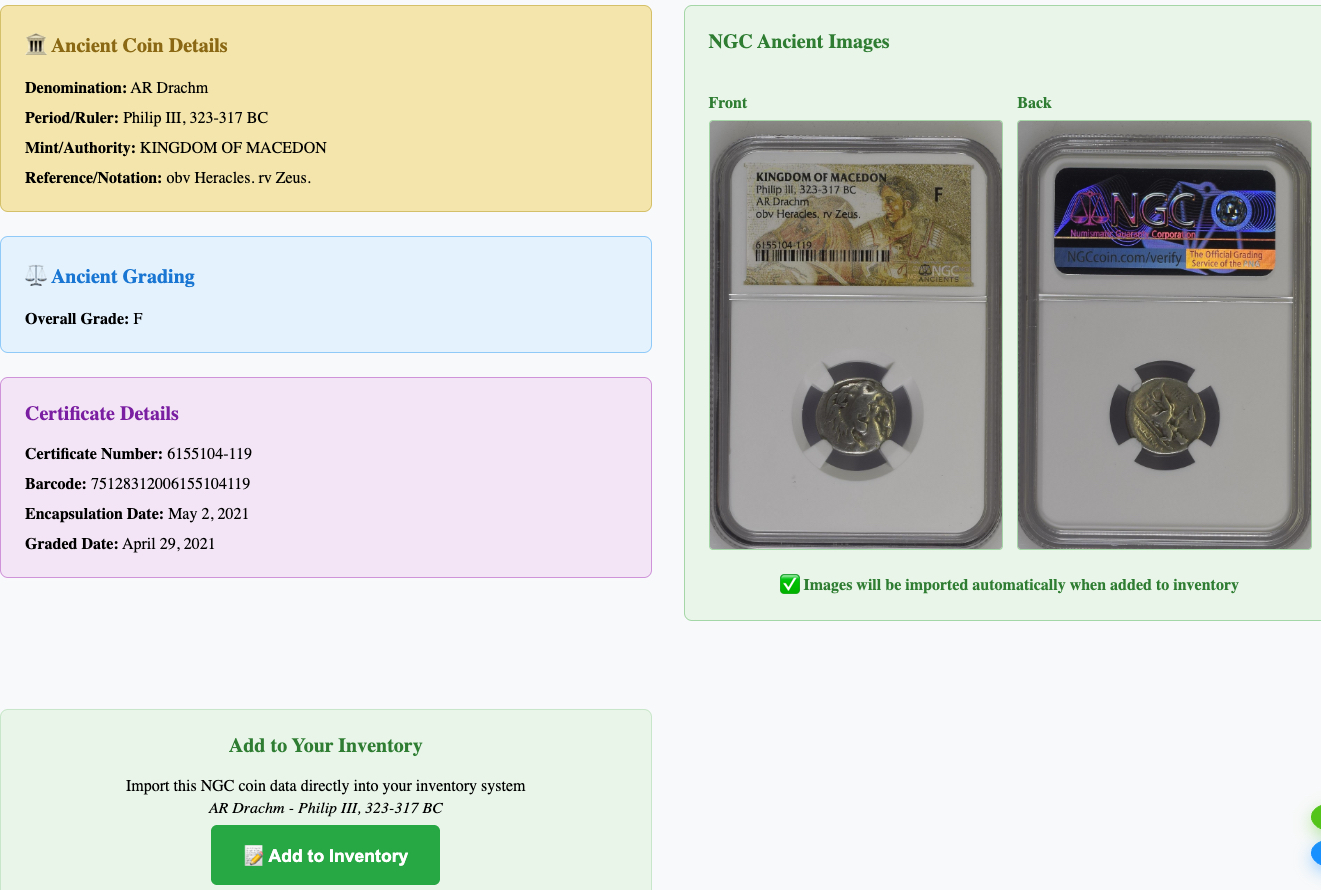
Status mismatchesCoins come back from PCGS, NGC, CACG, or ANACS, but their status in the system is still “Out to Grade,” “Pending Evaluation,” or “Pending Pricing.”
Sold but still in the caseItems are marked as SOLD in your records, yet they are still sitting in a display tray or vault box.
Unknown barcodesYou scan a label and the system has no idea what it is. Maybe it was mislabeled, imported incorrectly, or came from another dealer’s system.
No accountability over timeEven if you do a spot check, there is no structured way to track your coin shop inventory audit results month over month.
Without a reliable coin shop inventory management process, these issues lead to:
The Monthly Inventory Audit System is designed to turn this from a dreaded chore into a repeatable, data‑driven workflow that fits naturally into how coin shops already operate.
The Monthly Inventory Audit System is a new feature in the MyCoinWorX Shop Plan that gives coin shops a structured, barcode‑driven way to verify their inventory every month.
At a high level, it lets you:
Instead of manually comparing lists or trying to reconcile spreadsheets, you get a guided coin shop inventory audit workflow built specifically for numismatic businesses.
The system is designed to match how you already think about your shop: locations, barcodes, and statuses.
You begin by creating a new audit session:
This baseline becomes your reference point for the audit.
Next, you physically count the coins:
This turns your monthly count into a fast, focused barcode inventory for coin shops instead of a tedious manual tally.
Once you finish scanning, the system automatically compares:
It then groups issues into clear discrepancy types, such as:
You see all discrepancies in one place, color‑coded by severity, with full coin details (series, year, grade, cert number, value, and current status).
From the discrepancy view, you can:
When you are satisfied, you finalize the audit:
The Monthly Inventory Audit System is built to solve real problems that coin shop owners and serious dealers face every day.
This lets you build a consistent monthly routine without losing an entire day of productivity.
Over time, this tightens your inventory and improves confidence in your data.
If you ever need to investigate losses, you have a detailed history instead of guesswork.
This protects your financial records and helps keep your books clean for your accountant and the IRS.
If you ever need to support an insurance claim, answer questions from a partner, or provide documentation for tax purposes, you have a clear, time‑stamped trail.
The Monthly Inventory Audit System is designed for:
Brick‑and‑mortar coin shopsShops with cases, vaults, back rooms, and show boxes that need a structured way to manage physical inventory.
Serious solo dealersDealers who may not have a storefront but manage hundreds or thousands of coins in safes, bank boxes, and show cases, and are outgrowing spreadsheets.
Operations moving off legacy desktop softwareIf you are leaving behind older desktop programs and want modern, cloud‑based coin shop inventory management, this gives you a professional‑grade audit tool from day one.
If you handle a meaningful volume of certified coins with barcodes and need reliable inventory reconciliation for coin dealers, this feature is built for you.
The Monthly Inventory Audit System is part of the Shop Plan in MyCoinWorX, alongside:
It is intentionally focused on individual, barcoded items. Bulk material (generic bars, rounds, common bullion) is handled separately, since those are quantity‑based rather than certificate‑based. That separation keeps your audits clean and focused on the coins where precise tracking matters most.
You can start using the Monthly Inventory Audit System in a few steps:
Upgrade to the Shop PlanIf you are currently on a personal or solo dealer plan, upgrade to the Shop Plan to unlock inventory audits and other shop‑level tools.
Ensure Items Have Barcodes or Item CodesMake sure your inventory is labeled and tied to item codes in MyCoinWorX. If you are already using our barcode label printing, you are ready to go.
The goal of MyCoinWorX has always been to give coin collectors, dealers, and shops modern tools that match how they actually work—without forcing them into generic retail systems or clunky legacy software.
The Monthly Inventory Audit System is a direct response to what shop owners have been asking for:
If you are ready to move beyond spreadsheets and outdated programs, and you want coin shop inventory software that supports professional‑grade audits, this feature is for you.
The Monthly Inventory Audit System is available now on the MyCoinWorX Shop Plan.
If you are already on the Shop Plan, you can start your first audit today by going to:
Inventory → Inventory Audit in your MyCoinWorX account.
If you are not on the Shop Plan yet, consider upgrading to unlock:
Accurate inventory is the foundation of a healthy coin business. With a structured, repeatable coin shop inventory management process, you can protect your investment, serve your customers more reliably, and run your operation with confidence.
Start with one location, run your first audit, and see how much easier it can be to know exactly what you have—and where it is.


© 2026 MyCoinWorx. All rights reserved. | Terms and Conditions Frederick, MD | Built by a Proud Coin Collector | Privacy and TOS
Design and Developed by 11thAgency