Yes. MyCoinWorX is free for coin collectors with no credit card required. For solo dealers, plans are $29/month, and for coin shops, plans are $99/month with employee account support. All plans are currently free during our launch period — sign up now to lock in early access before pricing goes live.
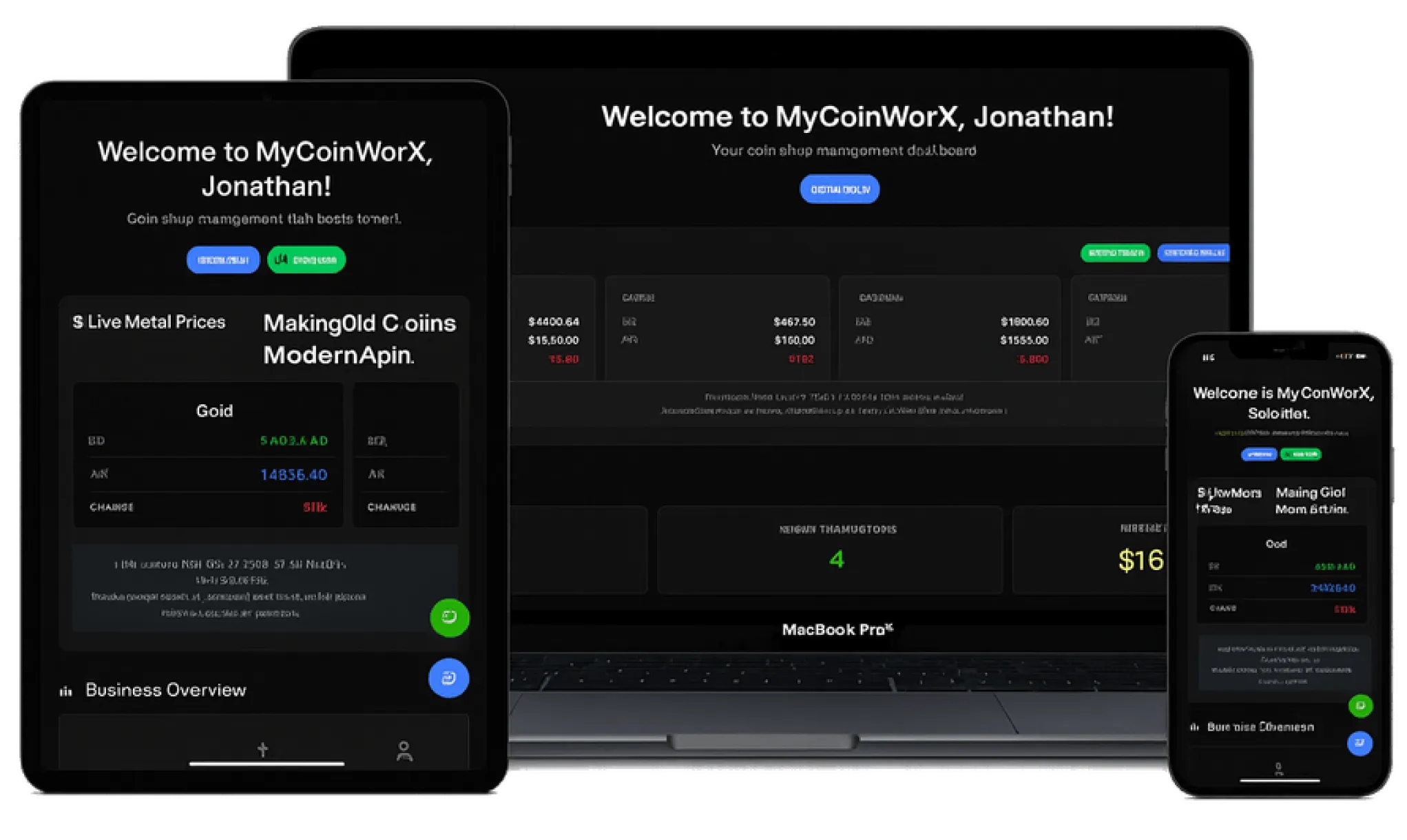
MyCoinWorX is a cloud-based coin collection and inventory management platform. It lets collectors, solo coin dealers, and coin shops track, value, and manage their coins in one place — with integrations for PCGS, NGC, ANACS, CACG, PCGS Paper, PMG, AI-powered import tools, and a built-in coin marketplace. Unlike desktop software like CoinManage, MyCoinWorX runs entirely in your browser with no download required.
Yes. Because MyCoinWorX is 100% web-based, it works on any device with a browser — iPhone, Android, Mac, Windows, tablet, or Chromebook. There is nothing to download or install. Your collection is accessible anywhere, on any device, at any time.
MyCoinWorX integrates with PCGS, NGC, NGC Ancients, ANACS, CACG, PCGS Money and PMG. You can look up individual certificate numbers to automatically pull in coin images, grades, and data. For bulk imports, you can upload a CSV of certificate numbers and MyCoinWorX will populate your inventory automatically. PMG integration supports paper currency and banknote collections.
MyCoinWorX offers three ways to import your collection. First, use the Individual Certificate Lookup to add coins one at a time by cert number. Second, use the Bulk Certificate Import to upload a CSV file with multiple cert numbers at once. Third, use the AI CSV Converter — if you have a messy spreadsheet from another program, the AI tool will clean and reformat it into a MyCoinWorX-compatible file automatically.
The free plan is designed for coin collectors who want to track and manage their personal collection. The Solo Dealer plan ($29/month) adds tools for buying, selling, pricing, and profit tracking suited for individual dealers. The Coin Shop plan ($99/month) includes everything in the Solo Dealer plan plus employee accounts, so multiple staff members can access and manage the shop's inventory. All plans are currently free during our launch period.
Yes. The Coin Shop plan supports employee accounts, allowing multiple team members at your shop to log in and manage inventory under the same account. This is ideal for coin shops where more than one person needs access to the inventory system.
Yes. MyCoinWorX includes a built-in coin marketplace where dealers and shops can list coins for sale. It also integrates with Stripe for payment processing, Ebay Listings and Whatnot for live selling. This means you can manage your inventory and your sales channels from the same platform.
Desktop coin software is installed on a single Windows computer, requires manual updates, and cannot be accessed from other devices. MyCoinWorX is cloud-based — it works on any device with a browser, updates automatically, and your collection is accessible anywhere. MyCoinWorX also includes AI-powered import tools, grader integrations for coins and paper currency, and a built-in coin marketplace that traditional desktop programs do not offer.
Yes. Because MyCoinWorX is cloud-based, your data is stored securely on our servers and automatically backed up. You never have to worry about losing your collection data due to a computer crash, hard drive failure, or lost device. Your data is accessible from any browser at any time.
Spreadsheets work for small collections but break down quickly as your inventory grows. They have no coin images, no automatic pricing data, no PCGS or NGC certificate lookup, and no way to track profit and loss across purchases and sales. MyCoinWorX gives you a purpose-built coin inventory system with grader integrations, AI import tools, mobile access, and dealer-specific features — all in a free platform designed specifically for coin collectors and dealers.
Yes. MyCoinWorX integrates with PCGS Money, and PMG (Paper Money Guaranty), allowing you to manage certified banknote and paper currency collections alongside your coin inventory. Simply enter a PMG certificate number and MyCoinWorX will pull in the note's data and images automatically.
Getting started is free and takes less than two minutes. Visit mycoinworx.com, click Sign Up, and create your account — no credit card required. Once you're in, you can start adding coins manually, importing via certificate number, or uploading a CSV file. If you have questions, reach out to us at support@mycoinworx.com.

© 2026 MyCoinWorx. All rights reserved. | Terms and Conditions Frederick, MD | Built by a Proud Coin Collector | Privacy and TOS
Design and Developed by 11thAgency